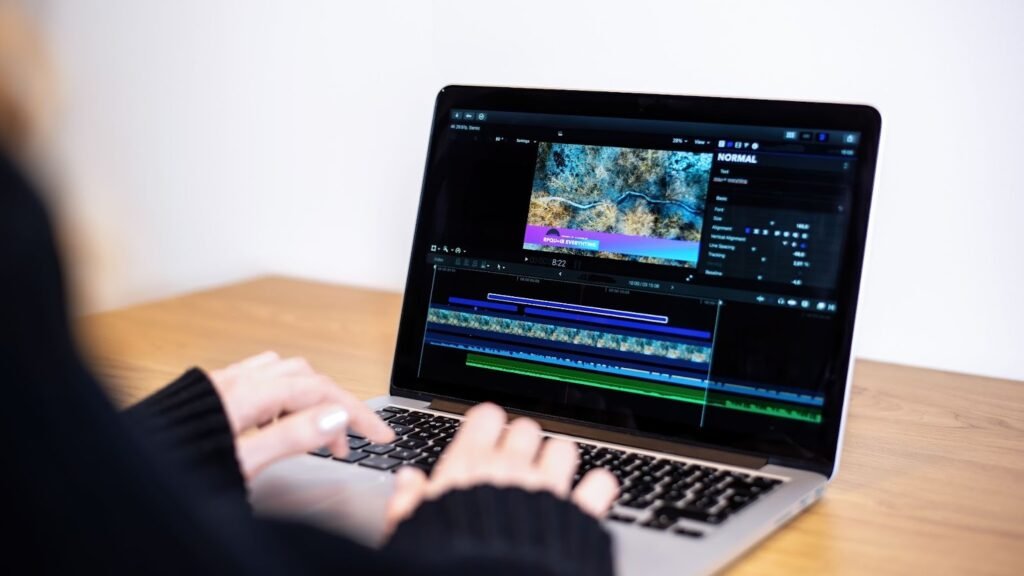
If you’ve ever wanted to give your videos or projects a voice that really stands out, without spending a dime, you’re in for a treat. Here are the top 7 free AI voice characters you can use right now, each with their own unique twist to bring text to life. I’ll also show you how the AI Character Voice Generator feature from Invideo plays a role in this space.
1. Invideo AI Character Voice Generator (Invideo)
Let’s start with a standout. Invideo offers an AI Voice Character Generator that lets you generate a character voice instantly using your prompts.
- Simply type your script, pick a character voice, and it’ll generate the voice and video for you in seconds.
- It works across male/female voices and multiple accents.
- This tool is excellent when you want voice characters with personality, rather than a plain text-to-speech sound.
- In short: if you’re looking for speed + variety + ease, this is your go-to.
2. ElevenLabs
ElevenLabs is well known in the voice-AI world, offering a library of realistic voices.
- Many voices are available in many languages.
- Free tier gives you a strong start to test the power of AI voice characters in your work.
- Best when you want a more refined, human-like voice for narration or character scenes.
3. Play.ht
Play.ht is another solid choice for creating character voices free (at least in part).
- Offers hundreds of realistic voices, multiple languages and accents.
- Great for simple character voices where you don’t need the most advanced features.
- Good value when you’re experimenting with different characters.
4. LOVO
LOVO focuses on realistic voices too, making it easy to choose a voice that fits a character.
- 500+ voices, 100+ languages.
- Free plan lets you create and test voices.
- If you’re crafting a video or story and want a character with a distinct tone, this works nicely.
5. Fliki
Fliki gives you access to 2,000+ ultra-realistic voices in 80+ languages – yes, two thousand voices.
- Perfect when you need many characters, or you switch up voices often.
- The free trial stage is generous.
- Excellent for multilingual character voice generation.
6. Murf
Murf offers a free text-to-speech service with 200+ voices in 45+ languages.
- While more “generic” than character-specific, you can tailor a voice to feel like a character (pitch, tone, style).
- Good choice if you want flexibility and creativity without starting from scratch.
7. VoiceMaker (Voicemaker.in)
Voicemaker lets you convert text into speech with 1000+ voices in 130 languages.
- Extensive language-support makes this handy for a global audience.
- Free plan is strong for trying out and seeing what voice style fits your character best.
How to Pick the Right Tool
Here are a few questions to ask yourself when choosing among these:
- What kind of character voice do you need? A cartoon-style voice, serious narrator, fun persona?
- How many voices will you need? Just one character or a full cast of voices?
- What languages or accents are required? Some tools support more languages than others.
- Free vs premium features. All these tools have free tiers, but check what limitations apply (minutes of voice, export options, etc.).
- Integration with your workflow. For instance, if you’re using Invideo to produce videos, the Invideo AI Character Voice Generator may streamline things best.
Why These Free AI Voice Characters Matter
- They save tons of time. Instead of recording voice actors, you type and generate.
- They let you test ideas quickly. Want to hear what the voice of “Legendary Knight” sounds like in your video? Done in minutes.
- They make content accessible. Want to offer voices in different languages or accents? Many tools support that.
- They fit different budgets. Because the tools above offer free plans, you can start without investing heavily.
Bonus: When Using Invideo AI Character Voice Generator
Since you’re likely creating content, here’s how the feature from Invideo works in practice:
- You enter your prompt (the text you want your character to say).
- Choose the character voice (gender, accent, etc).
- The generator then produces the voice and a video, if you want it. That means the voice isn’t just a standalone audio, it can tie into your video creation workflow.
- Because you’re generating a “character voice”, you’re hitting more than just standard narration, you’re giving your content personality.
Things to Keep in Mind
- Free tiers often have limits: maybe a cap on minutes, voice selections or export quality.
- Check licensing: if you plan to use the voice for commercial content (ads, business videos) make sure the free tier allows that.
- Character voices sound more compelling if you pick a voice that matches the character’s personality. Don’t choose a deep serious voice for a bubbly cartoon unless you’re going for that vibe.
- Even with great AI voices, good script writing still matters. The text you feed into the voice generator matters.
- The audio alone isn’t everything: matching it to the video, visuals and timing makes the voice shine.
Wrap-Up
If you want to bring your projects to life with engaging, believable characters, whether for videos, social media, tutorials or stories, free ai voice characters are absolutely within reach. Start with the Invideo AI Character Voice Generator for a fast, integrated workaround if you’re already doing video production with Invideo. Try out the others for more voice variety and flexibility.
Choose a tool, pick your voice, give your character a personality and let the voice do the heavy lifting. Your audience will hear it. They’ll remember it.